
Introduction
HDMI ports are crucial as they connect your TV to gaming consoles, streaming devices, and other peripherals. A faulty HDMI port can disrupt your entertainment flow. This guide breaks down the repair process step-by-step, offering a DIY approach that can save you time and money.
Understanding HDMI Port Issues
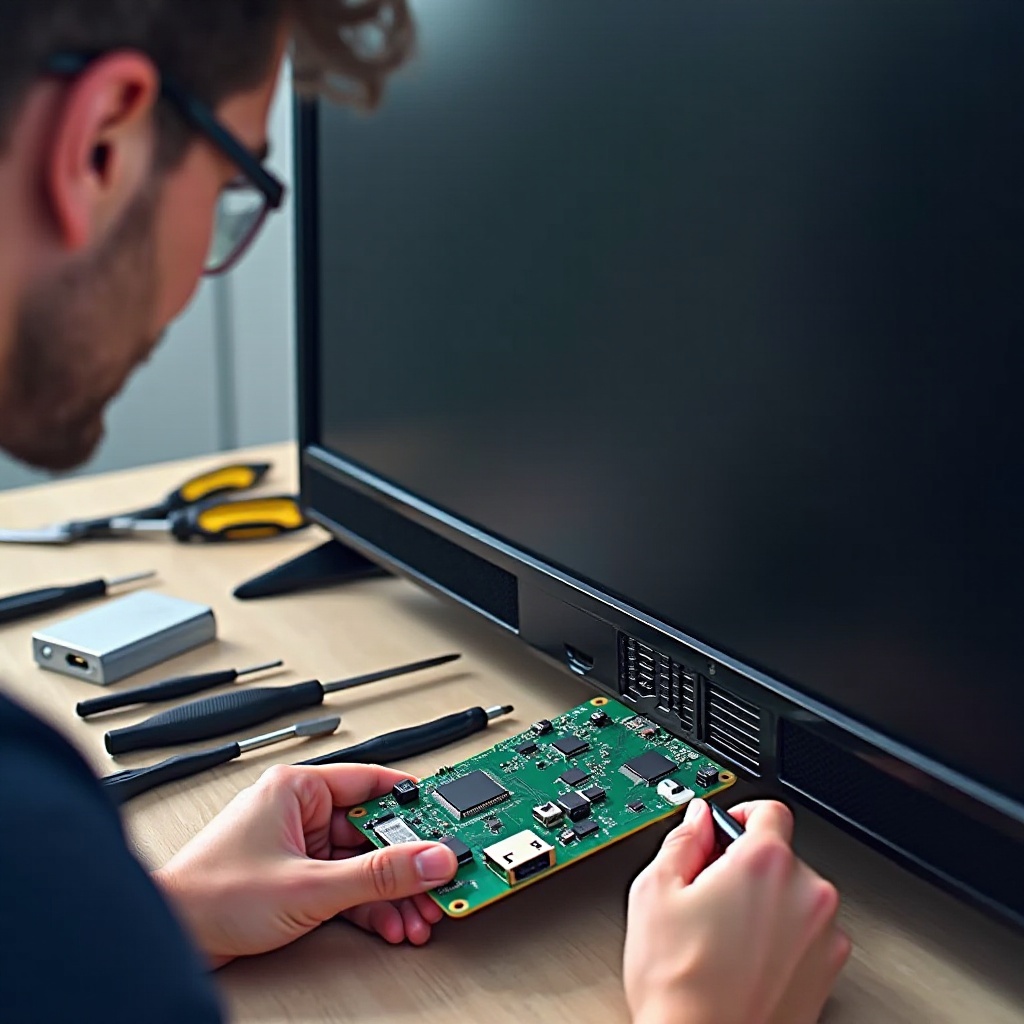
Before proceeding with repairs, it’s essential to identify if your HDMI port is indeed the problem. Common signs include no video or sound output, or an intermittent signal. Causes range from physical damage to dust accumulation.
Common Signs of HDMI Port Failure
- No signal message on the TV display.
- Intermittent video or sound issues.
- Loose connection where the HDMI cable does not stay inserted.
Typical Causes of HDMI Port Damage
- Excessive plugging and unplugging of HDMI cables.
- Physical impact or pressure on the cable or port.
- Dust and debris build-up within the port.
Preparation Before Repair
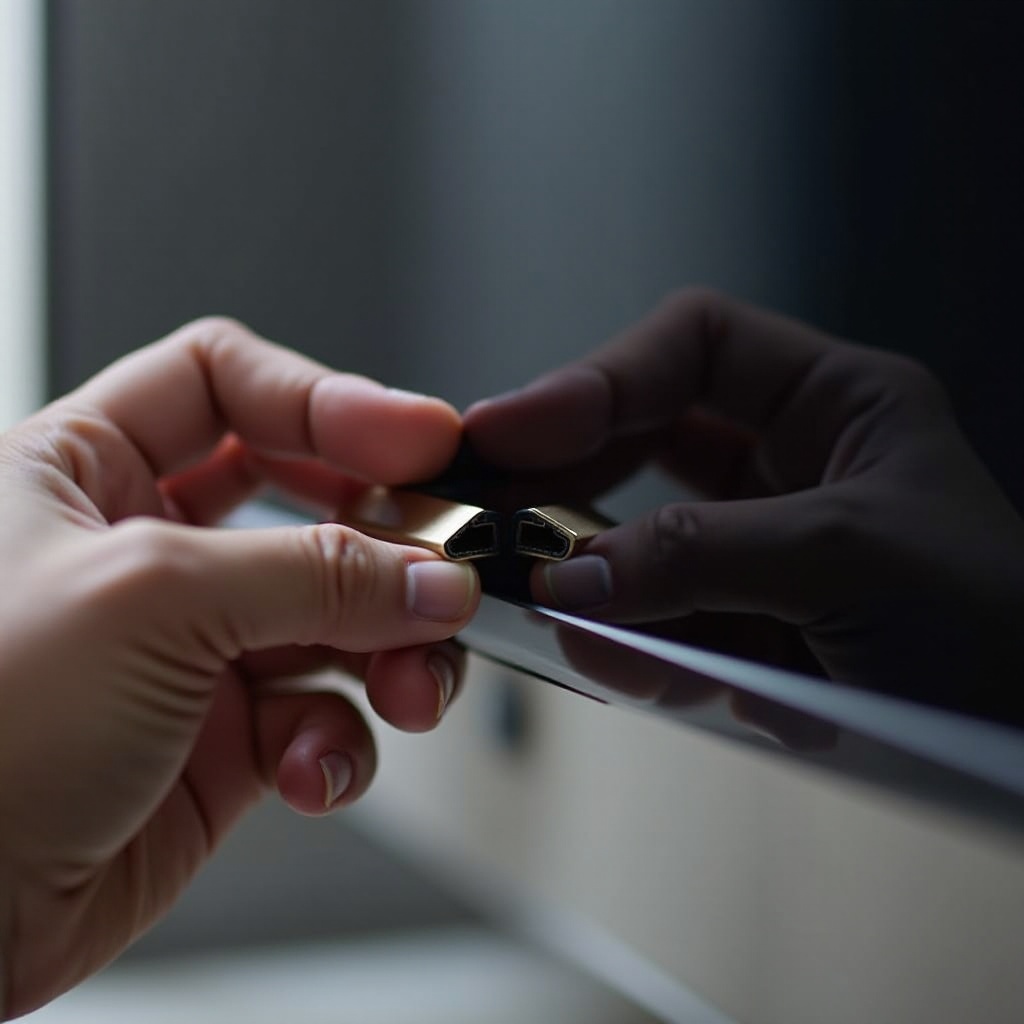
Proper preparation is critical when fixing a damaged HDMI port. It ensures safety and enhances the chances of a successful repair. Ensure you gather necessary tools and follow safety guidelines to prevent damage to your television further.
Safety Precautions to Consider
- Disconnect your TV from all power sources before starting.
- Wear anti-static gloves to prevent electrical discharge.
- Set up a stable, well-lit environment for the repair work.
Essential Tools and Materials Needed
- Screwdrivers (Phillips and flathead).
- Soldering iron and solder wire.
- Replacement HDMI port if needed.
- Multimeter for testing connections.
- Compressed air or a soft brush for cleaning.
Step-by-Step Repair Process
Once preparation is complete, follow these steps to repair your HDMI port efficiently. Having a systematic approach helps ensure thoroughness and boosts success rates.
How to Safely Disconnect and Open Your TV
- Lay the TV screen down on a padded surface.
- Use a screwdriver to remove screws from the back panel.
- Gently lift the back cover to reveal internal components.
Assessing the Damage on the HDMI Port
Inspect the HDMI port for broken or loose pins and any other visible damage. Use a soft brush or compressed air to clean dust and debris.
Repair Techniques: Soldering and Replacement
- Solder any loose pins using a soldering iron for solid connections.
- If replacement is necessary, desolder the existing port.
- Solder the new HDMI port firmly into place, ensuring alignment is correct.
Reassembling Your TV and Testing
- Reattach the TV’s back panel securely with screws.
- Connect the TV to a power source and test the HDMI port using a reliable device.
Testing and Troubleshooting
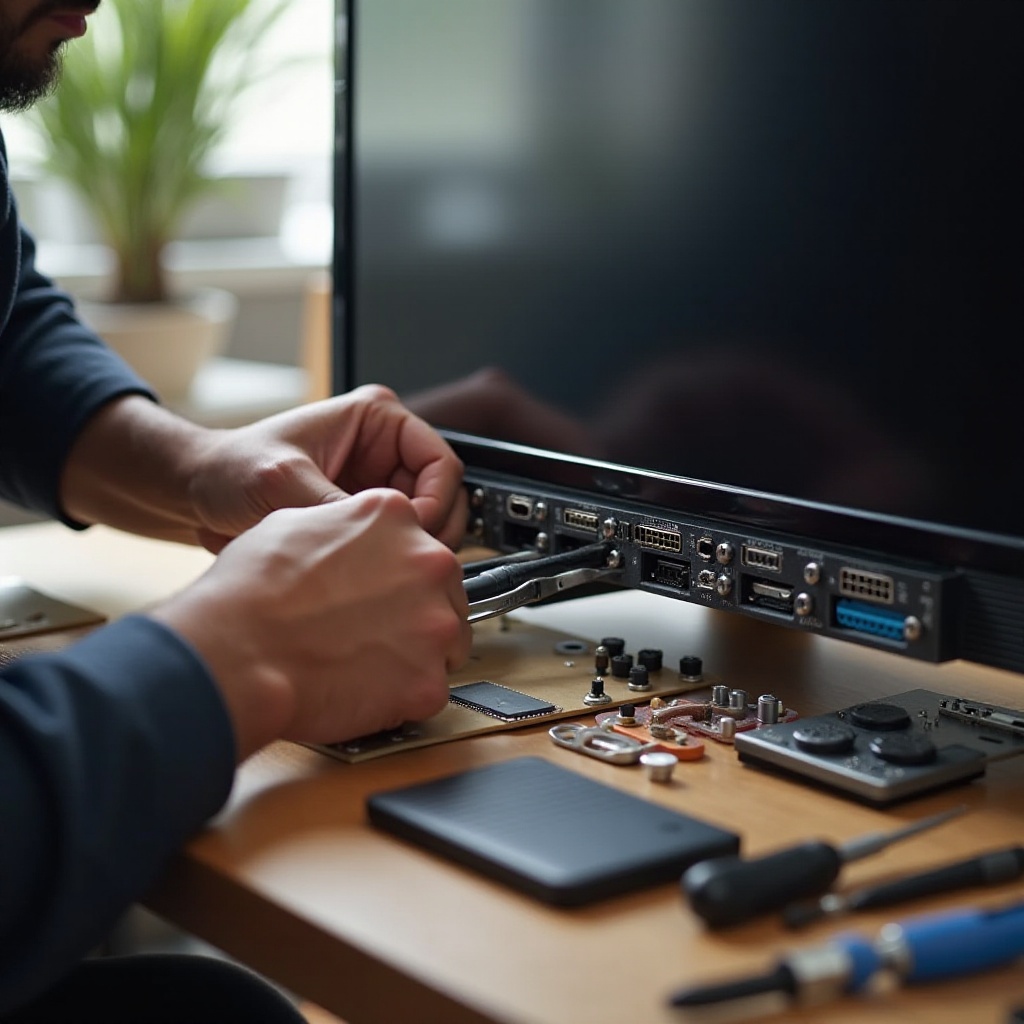
After reassembling and testing your TV, ensure everything functions correctly. If there are continuing issues, a few troubleshooting steps can resolve minor problems.
Running Diagnostics Post-Repair
- Confirm connections are secure and test them with a multimeter.
- Verify that all installed components align correctly.
Troubleshooting Persistent HDMI Issues
- Test using a different HDMI cable to rule out cable issues.
- Check another HDMI port on the TV if available.
- Revisit the repair steps to confirm completion.
Maintenance Tips for HDMI Ports
Preventive maintenance increases the lifespan of your HDMI ports and minimizes future issues, enhancing long-term functionality.
Best Practices to Avoid Future Damage
- Limit plugging and unplugging of HDMI cables whenever possible.
- Use cable organizers to keep cables from stressing ports.
- Regularly clean ports with compressed air to remove debris.
Conclusion
Repairing your TV’s HDMI port need not be a daunting task. Following this guide enables you to troubleshoot and fix common HDMI problems effectively, ensuring a seamless entertainment experience.
Frequently Asked Questions
Can a damaged HDMI port damage my TV?
While a damaged HDMI port does not typically harm other TV components, it can affect functionality.
Is it difficult to replace an HDMI port on my TV?
Replacing an HDMI port is manageable for most DIY enthusiasts with the right tools and attention to detail.
What if my HDMI port issue persists after repair?
If issues persist, consider seeking professional help as more complex problems may be at play.