
Introduction
Knowing how to remove your ASUS laptop battery is valuable, especially when a replacement is due for an old or malfunctioning battery. Whether serving maintenance purposes or preparing for an upgrade, understanding this process ensures you can perform the task safely and effectively. This guide will walk you through the necessary steps to remove an ASUS laptop battery, providing the knowledge you need for both removable and built-in types.

Understanding ASUS Laptop Battery Types
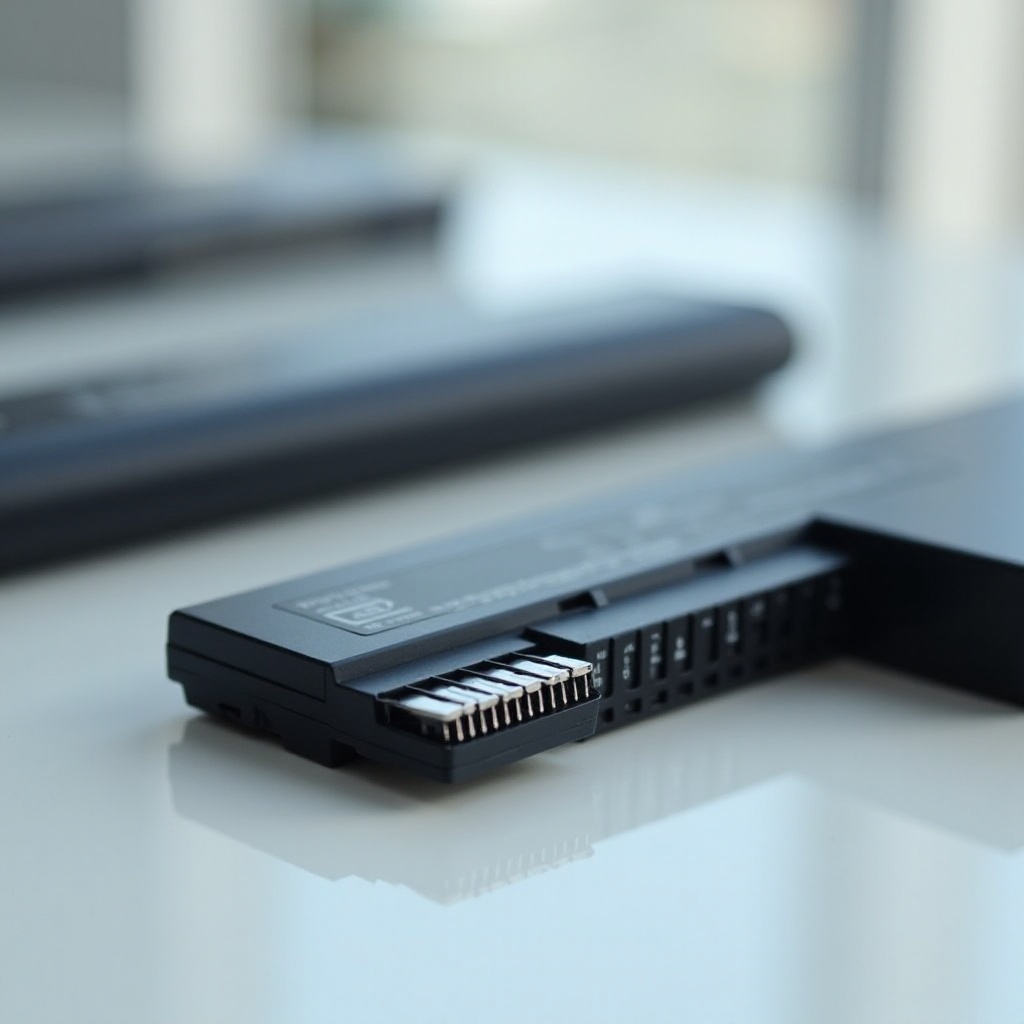
ASUS laptops come with two main battery types: removable and non-removable. It’s essential to know which one you have as it affects how you approach the task.
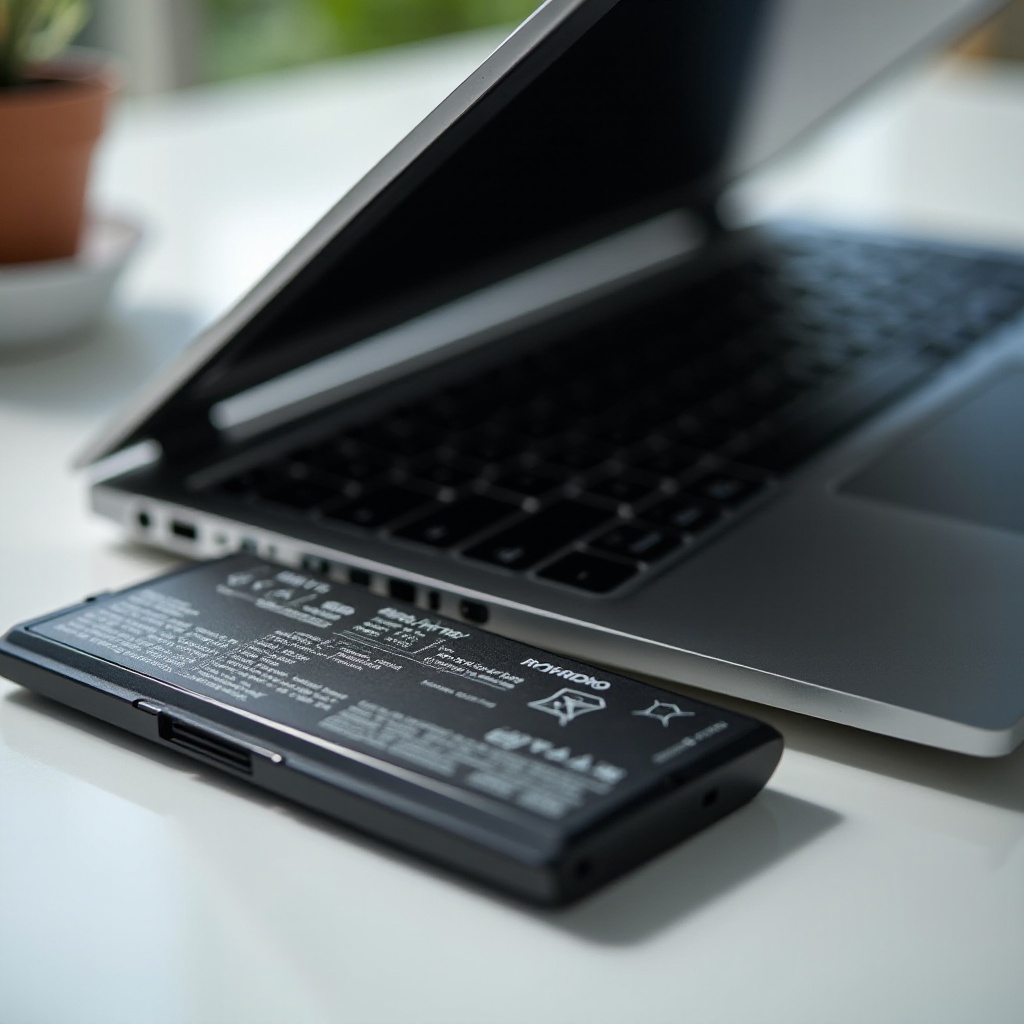
- Removable Batteries: Usually found in older models, these batteries are easier to detach without needing tools.
- Non-Removable Batteries: Common in newer models, these require you to access them by opening the laptop’s casing, involving more steps and care.
This section sets the foundation for our detailed guide, helping you recognize the battery setup in your device.
Preparations Before Battery Removal
Preparation is key to a smooth and damage-free battery removal process. Here are some vital steps:
- Safety Precautions and Tools Required:
- Ensure your laptop is powered down completely and unplugged from any power source.
-
Gather essential tools like a precision screwdriver set, a plastic prying tool, and an anti-static wristband to protect your device from static discharge.
-
Identifying Your ASUS Model:
- The model number can usually be found on a sticker on the underside of your laptop. This information is crucial if you need model-specific instructions.
With these preparations in place, you’re ready to proceed with confidence.
Step-by-Step Guide to Removing an ASUS Laptop Battery
The method to remove an ASUS battery depends on whether it’s removable or built-in. Follow the instructions that apply to your device:
- Instructions for Detachable Batteries:
- Turn the laptop over and locate the battery release latches.
- Slide the latches to unlock the battery.
-
Firmly but gently pull out the battery from its bay.
-
Instructions for Built-in Batteries:
- Ensure your laptop is off and all cords are disconnected.
- Use a screwdriver to remove screws securing the bottom panel.
- Employ a plastic tool to gently pry open the back case.
- Identify and unplug the battery connector carefully.
- Unscrew any fastenings holding the battery, then lift it out.
These step-by-step instructions should help you undertake the task without mishaps.
Common Challenges and Solutions
Even with preparation, challenges may arise. Here’s how to tackle common issues during battery removal:
- Handling Stubborn Screws:
-
Use the correct size screwdriver and apply steady pressure to prevent stripping. If a screw is stuck, a small amount of penetrating oil might help.
-
Battery Connector Issues:
- Gently wiggle a stubborn connector back and forth for disengagement, being cautious not to use excessive force, which could damage components.
Understanding potential obstacles allows for smoother execution.
After Removal: Maintaining Your Battery and Laptop
Removing the battery isn’t the final step; proper maintenance ensures longevity and optimal performance.
- Tips for Battery Maintenance:
-
Store batteries in a cool, dry place, avoiding extreme temperatures that could degrade performance.
-
Signs of Battery Wear and Replacement Needs:
- Watch for significant drops in battery life or frequent overheating, indicating when a replacement is needed.
Maintaining both your laptop and its battery ensures continued efficiency.
Conclusion
Removing an ASUS laptop battery is manageable with the right guidance and preparation. By following the detailed steps outlined, you can safely and efficiently handle battery replacements and maintenance, enhancing your laptop’s lifespan and performance.
Frequently Asked Questions
Can I remove the battery from my ASUS laptop without professional help?
Yes, with this guide you can safely and effectively remove your ASUS laptop battery at home.
How often should I replace my ASUS laptop battery?
Typically, a laptop battery should be replaced every 2-4 years, depending on usage and maintenance.
What should I do if my ASUS laptop battery won’t charge after replacement?
Ensure the battery is properly connected and seated. If the issue persists, seek professional assistance.