
Introduction
Facing a TV that just won’t turn on can disrupt your relaxation routine. This issue stems from various causes ranging from simple power issues to complex hardware malfunctions. Our guide will lead you through common causes and remedies, equipping you with the knowledge to restore your TV’s functionality easily.
Understanding the root cause of your TV’s failure to power on is key to resolving the issue. By systematically examining potential problems, you can often save time and expense. This article reveals the primary reasons behind a non-responsive TV and offers practical solutions.
Common Causes for a TV Not Turning On
Several factors can prevent your TV from powering on. Recognizing these issues lays the groundwork for finding the right fix.
-
Power Supply Issues: Faulty power supplies are a common culprit. Check all power cords for proper connection and any visible damage to cables or plugs.
-
Faulty Remote Control and Batteries: Often, the issue isn’t the TV but the remote control itself. Double-check the functionality of your remote’s batteries and ensure the remote sensor on the TV is clear.
-
Internal Hardware Concerns: Defective components like capacitors or the power board may exist. This requires in-depth troubleshooting or professional help.
After exploring these potential causes, you can move on to detailed troubleshooting strategies.
Step-by-Step Troubleshooting
Begin with simple fixes and gradually progress to more involved solutions. The steps below can help you identify and possibly resolve the problem:
- Checking Power Connections and Outlets:
- Ensure the TV is plugged into a power outlet that works. Test the outlet with another device to confirm.
-
Inspect power cords for any damage. If possible, swap cords to rule out issues.
-
Testing the Remote Control Functionality:
- Swap out the remote’s batteries; battery failure is often the cause of power issues.
-
Press the power button on the TV (not the remote) to check if the remote is at fault.
-
Performing a Power Cycle on the TV:
- Disconnect the TV from its power source, wait a minute, then reconnect it.
- Press and hold the TV’s power button to discharge residual power.
If these basic approaches don’t work, dive deeper with advanced troubleshooting.
Advanced Troubleshooting Tips
Try these more technical solutions if initial troubleshooting proves ineffective:
- Inspecting the TV’s Internal Hardware:
-
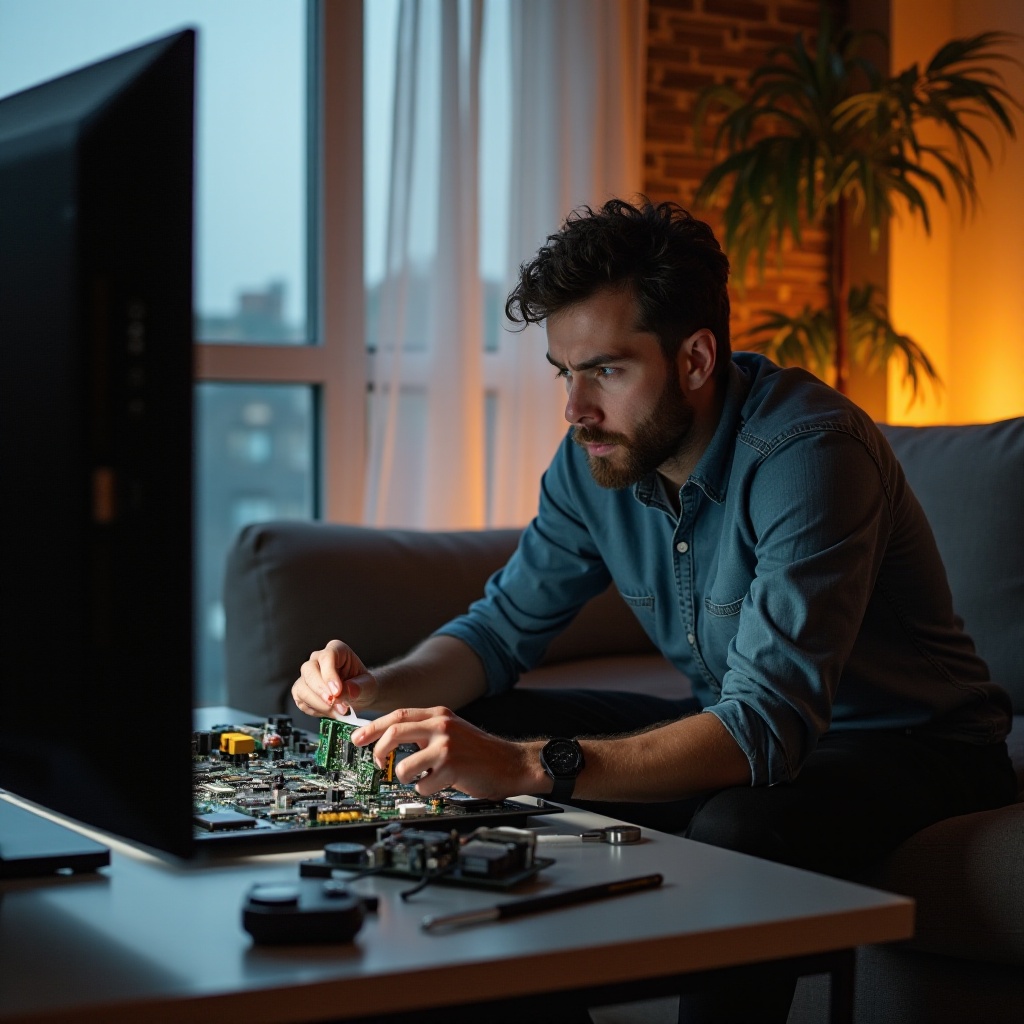
If you’re comfortable, open the TV and check for burnt components or swollen capacitors on the circuit boards. However, if this is beyond your comfort zone, it’s best left to experts.
-
Checking for Firmware or Software Updates:
- Firmware that’s outdated can cause unresponsiveness. Consult your TV manual or manufacturer’s website to update your firmware.
When advanced methods don’t suffice, professional intervention could be necessary.
When to Call a Professional Technician
Determining when professional assistance is warranted can save the cost of further damage:
- Identifying Signs of Major Hardware Failure:
-
Unusual indicators such as flickering lights or odd sounds suggest hardware issues demanding expert attention.
-
Understanding Warranty and Repair Options:
- If under warranty, reach out to the manufacturer or the point of purchase for repairs or replacement. Keep your receipts and warranty documents ready.
Addressing complex issues can be expensive, but it’s often preferable to buying a new TV.
Preventive Maintenance to Avoid Future Issues
Regular maintenance can prevent many power-related issues and prolong your TV’s life.
- Regularly Checking Power Cords and Connections:
-
Frequently inspect cords for wear and ensure secure connections to prevent electrical problems.
-
Utilizing Surge Protectors:
- Protect your TV from power surges with surge protectors to avert potential damage.
Employing these preventive measures reduces the risk of recurring problems and ensures your TV continues to function smoothly.
Conclusion
A TV that won’t power on can be a major inconvenience, but with the correct tools and knowledge, troubleshooting and fixing the problem is achievable. From inspecting power connections to examining internal hardware, this guide equips you to diagnose and possibly resolve the issue. Remember, if you reach a technical impasse, professional technicians can provide necessary support.
Frequently Asked Questions
What should I do if my TV’s power indicator light is on, but the screen is blank?
Try unplugging the TV and holding the power button before reconnecting. If it persists, internal components may need checking or professional assessment.
How often should I update my TV’s firmware?
Check for firmware updates every few months to ensure optimal performance and security.
Can using the wrong remote control cause my TV not to turn on?
Yes, ensure your remote is compatible with your TV model to prevent issues from unsupported commands or incompatible signals.