
Introduction
The Nintendo Wii has brought joy to millions with its unique interactive gaming options. Yet, like all tech devices, it can experience glitches that interrupt your gaming experience. Quick and efficient troubleshooting ensures that your Wii console keeps running smoothly. This guide provides practical solutions for common issues, enabling you to maintain optimal gaming performance and avoid prolonged downtime.
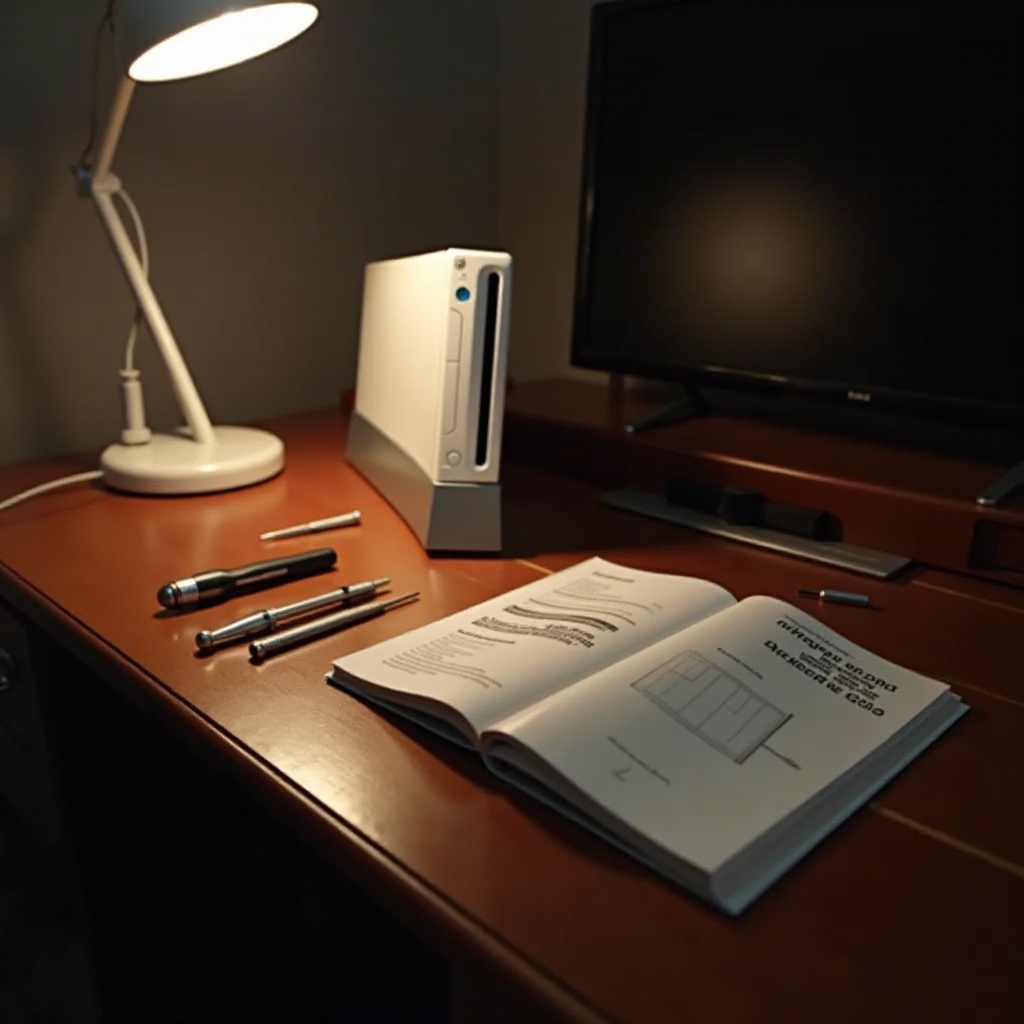
Common Wii Console Issues
Several problems can arise with the Wii console, but understanding these common issues can help you address them swiftly:
– Power problems: If your console won’t turn on.
– Disc read errors: Difficulty in reading game discs.
– Connectivity issues: Troubles with Wi-Fi and remote syncing.
Recognition of these problems highlights the importance of effective troubleshooting techniques. Addressing power problems often serves as a foundation for further troubleshooting.
Troubleshooting Power Problems
Power issues can be challenging, but they’re usually straightforward to fix:
1. Inspect the power supply: Ensure that all cables are firmly connected and that no connection is loose or damaged.
2. Reset the AC adapter: Unplug the adapter from both the console and the outlet, wait two minutes, then reconnect.
3. Test the power button: Firmly press the button. If it sticks, gently clean the area with a dry cloth.
Resolving power issues allows you to focus on any disc-related problems that might arise and ensure the smooth operation of your console.
Fixing Disc Read Errors
Disc read errors can disrupt your gameplay, but they’re often easy to correct:
1. Clean the disc: Use a soft cloth, wiping in straight lines outward from the center.
2. Examine the disc for damage: Scratches or smudges can interfere with reading. Compare with another disc to determine if the problem lies with the disc or the console.
3. Clean the disc drive: Use compressed air to clear dust from the drive slot, holding the can upright to prevent moisture.
By addressing disc read errors, you pave the way for tackling more complex connectivity issues.
Resolving Connectivity Issues
Connectivity problems restrict your access to online features and multiplayer gaming. Use these steps:
1. Check your Wi-Fi: Ensure the router works and is in range of the Wii. Re-enter the Wi-Fi password if needed.
2. Sync remotes:
– Open the SD Card slot cover on the console.
– Press the red ‘Sync’ button inside, then do the same on the remote.
– Wait for the LED lights to stabilize, indicating a successful connection.
With connectivity restored, you can enjoy the full capabilities of your Wii console and avoid future interruptions.
Advanced Troubleshooting Techniques
When basic fixes aren’t enough, advanced methods may be required:
1. Decode error codes: Refer to the console manual or Nintendo support for guidance regarding error codes.
2. Perform a system reset: If issues persist, back up important data and perform a factory reset via the ‘Wii Settings’ menu.
Understanding advanced solutions strengthens your ability to manage persistent issues and can indicate when professional assistance is necessary.
When to Seek Professional Help
Occasionally, certain failures require expert repair:
– Hardware issues: Such as noise, inability to read any disc, or obvious physical damage.
– Professional services: Always utilize Nintendo or authorized repair services to prevent voiding your warranty and ensure quality repair.
Knowing when to seek help can prevent further damage and maintain your console’s functionality over time.

Preventative Maintenance Tips
Consistent care and maintenance can prolong your console’s life:
– Regular cleaning: Dust your console and gaming area frequently.
– Proper storage: Avoid extreme conditions and handle discs with care.
Implementing these practices will safeguard your Wii, reducing the frequency of occurrences that require troubleshooting.
Conclusion
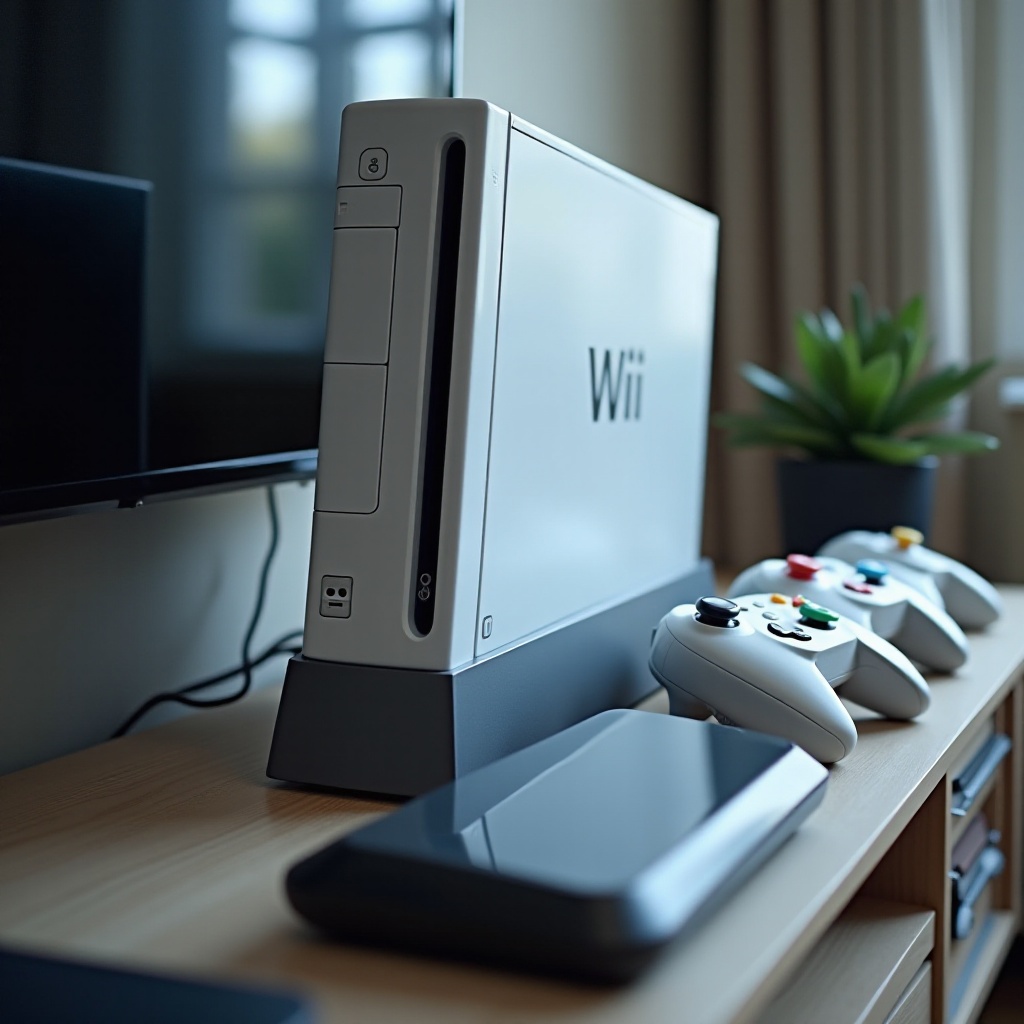
To summarize, effective Wii console troubleshooting involves understanding common problems and applying targeted solutions. From fixing power and disc issues to resolving connectivity challenges, these strategies will get your console back in action quickly. Don’t hesitate to reach out to community forums or professionals for additional support, ensuring a seamless and enjoyable gaming experience.
Frequently Asked Questions
What should I do if my Wii console won’t turn on?
Ensure all cables are securely connected and reset the AC adapter by unplugging for two minutes before reconnecting.
How can I fix a Wii remote that won’t sync?
Press the Sync button on both the console and the remote after removing any obstructions and wait for the lights to stabilize.
Why is my Wii not reading game discs?
Clean the disc and check for damage. Use another disc to determine if the problem is with the disc or the console.