
Introduction
Dealing with a black screen on your iPhone due to water damage can be frustrating and worrisome. This unexpected issue not only halts your device’s functionality but also leads to potential costs and repairs. Addressing this concern swiftly is crucial to safeguarding your valuable tech investment. In this guide, we explore the root causes of this problem, outline immediate actions you can take, and present both DIY remedies and professional repair options. Our objective is to equip you with the necessary tools to prevent and manage water damage effectively.
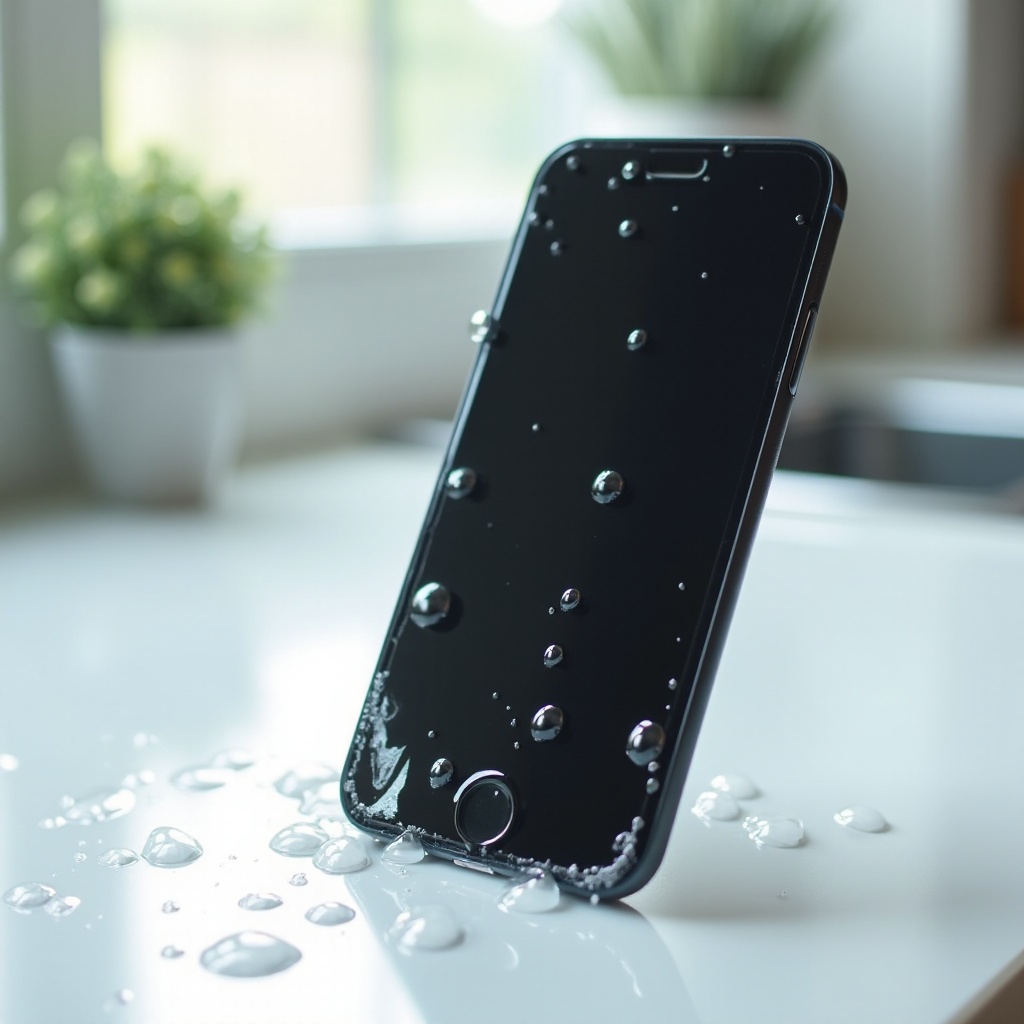
Understanding Water Damage and Its Effects
Water damage occurs when moisture seeps into your iPhone, causing internal issues that might result in a black screen. This typically happens in incidents like dropping the phone in water, exposure to rain, or prolonged humidity exposure. Moisture inside the phone can short-circuit internal components, leading the screen to black out. Understanding the risk factors involved is the first step in prevention. Awareness of scenarios that lead to such incidents can help in avoiding them in the future.
Immediate Actions to Take When Your iPhone Gets Wet
Act quickly if your iPhone gets wet. Here’s what to do immediately:
- Turn Off the Device: Power down the iPhone to prevent electrical shorts.
- Avoid Pressing Buttons: Do not press any buttons, as this can force water deeper into the device.
- Remove SIM Card and Accessories: Take out the SIM card and disconnect accessories like headphones.
- Wipe the Exterior: Pat the iPhone dry using a soft cloth.
Following these steps can mitigate potential damage while setting up for recovery attempts. Let’s move on to some DIY techniques that could restore your device’s screen to working order.
DIY Solutions to Fix a Black iPhone Screen
If your iPhone screen goes black due to water damage, try some home remedies:
-
Using Absorbents: Place your iPhone in an airtight container filled with silica gel packets or uncooked rice, which can effectively absorb moisture. Leave the device for at least 48 hours.
-
Cleaning Connectors and Ports: Once you’ve let the device sit, use a dry, soft brush to gently clean the charging port and other connectors, ensuring all moisture is fully cleared.
-
Software Resets and Updates: After drying, try turning your iPhone back on. If the screen is still black, attempt a hard reset. If it turns on, connect to iTunes to check for any necessary software updates or repairs.
These DIY solutions often revive the screen, but if not, professional repair might be your next step.
Professional Repair Options
If the above fixes do not work, it might be time to seek professional repair. Look for these signs:
- Persistent Black Screen: Despite attempts to dry, the screen remains unresponsive.
- Visible Moisture: Moisture is visible under the glass or around connectors.
- Corroded Components: Internal corrosion indicates serious damage.
Technicians can diagnose underlying issues precisely. They may disassemble the device to clean or replace damaged parts. When seeking repair services, ask for upfront cost estimates and check if repairs are covered under warranty or AppleCare. Let’s focus now on preventing such events from occurring in the future.
Preventing Water Damage in the Future
Ensuring your iPhone’s longevity involves preventing future water damage:
-
Invest in Accessories: Purchase waterproof cases and screen protectors, which can repel moisture and protect against accidental water exposure.
-
Safe Handling Tips: Be cautious when using your iPhone near water bodies; avoid taking it into potentially risky environments like bathrooms or kitchens.
-
Regular Maintenance and Checks: Regularly inspect your phone for wear, clear dust from ports, and keep software updated to prevent vulnerabilities.
By incorporating these preventive measures, you significantly reduce the risk of water damage. When emergencies arise, you will be better prepared with the knowledge shared in this guide.
Conclusion
Understanding why an iPhone screen can black out from water damage and knowing how to respond quickly can save you from costly repairs and headaches. Quick actions, DIY solutions, and preventive measures are your strongest defense. If necessary, professional repairs are available. Ensure your iPhone’s integrity by adopting these practices, protecting it against water hazards, and extending its lifespan.
Frequently Asked Questions
How do I know if my iPhone has water damage?
Look for signs like a black screen, flickering display, or malfunctioning buttons. Also, check for moisture under the glass or in the charging port.
Is it safe to use rice for drying my iPhone?
Rice is commonly used due to its absorbent properties, but silica gel packets are more efficient. Use either cautiously to avoid dust particles entering the device.
How can I prevent water damage to my iPhone in the future?
Use waterproof cases and screen protectors, handle your device with care around water, and regularly inspect and maintain your iPhone.